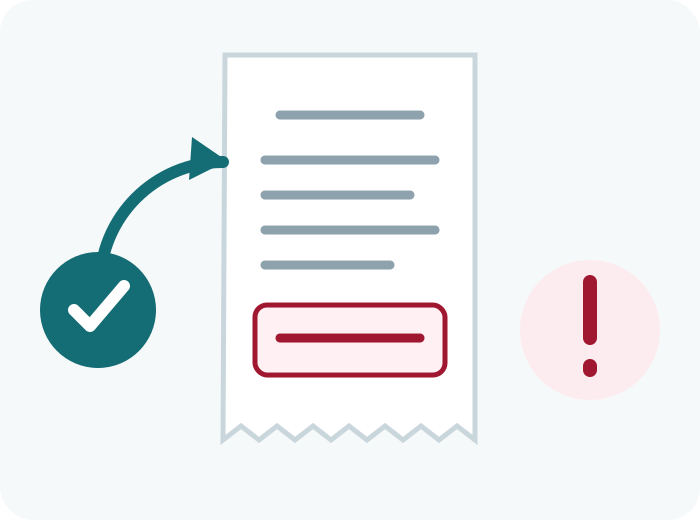
A receipt invitation may include a web address, a survey ID, a deadline, and brief participation instructions. The exact format can change.
Reviewed July 15, 2026 • No affiliation with CVS Health
Where the survey invitation usually appears
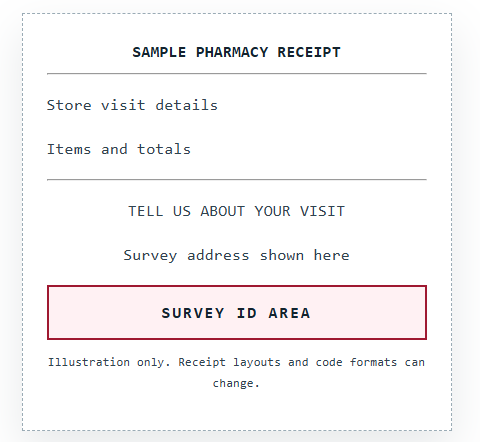
Look near the lower half or bottom of the receipt for wording about feedback, a customer survey, a web address, or a multi-digit survey ID. Digital receipts may place the invitation in the email body or attached receipt.
Example receipt layout
Why the code may not work
Common reasons include typing errors, confusing zero with O, using an expired invitation, entering a code on the wrong website, reusing a code, or a temporary survey-provider outage.
Protect your receipt
Do not upload a full receipt to public forums. Cover payment details, prescription information, transaction numbers, barcodes, ExtraCare identifiers, and the survey ID before sharing a screenshot with legitimate support.